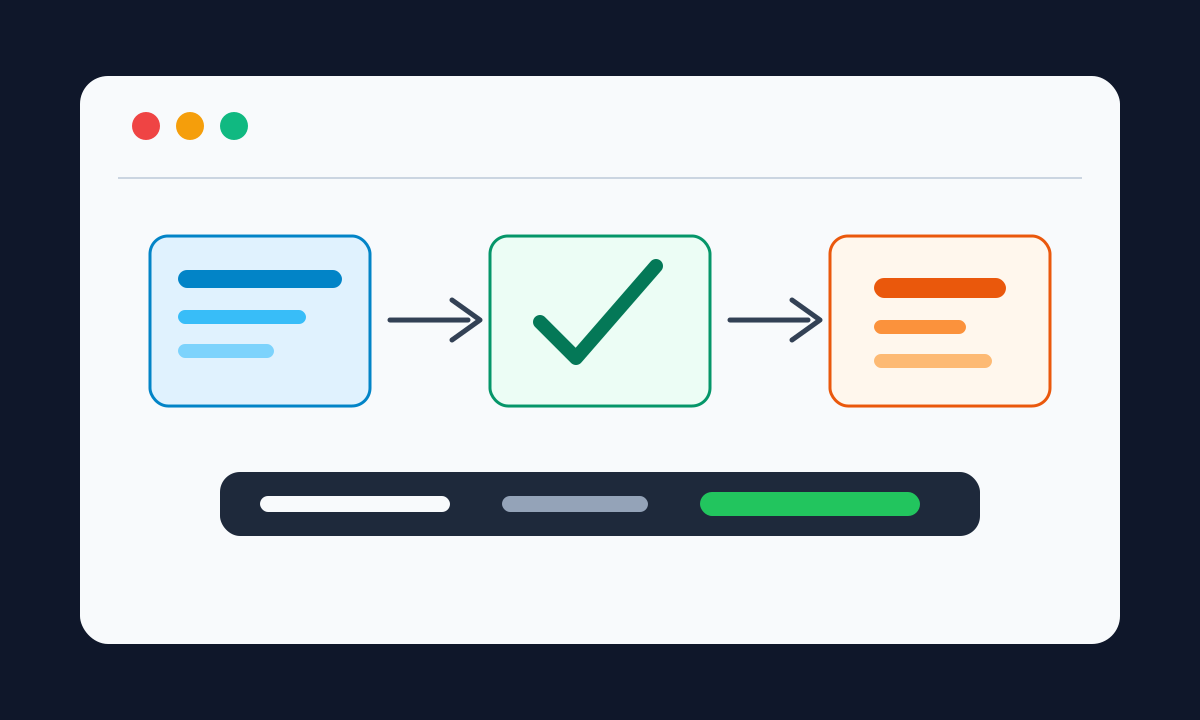
Run history turns automation into accountable operations
Why every workflow needs a reviewable record of starts, steps, waits, failures, and follow-up actions.
Automations often run in the background. That is the point, but it creates an operational question every team eventually asks: how do we know what happened?
If a workflow affects customers, records, approvals, files, or internal handoffs, the team needs more than a final success or failure message. It needs a reviewable history that explains why the workflow started, which path it took, and what needs attention.
Show why the run started
Every run should make its starting point clear.
It may have started from a schedule, form submission, webhook, uploaded file, manual test, survey response, or app event. That starting point explains why the workflow ran and what information it used.
Without that context, people end up guessing from side effects: a sent email, a changed record, a missing task, or a confused customer message.
Show the path through the workflow
Teams need to understand the route a run took, not only whether it ended.
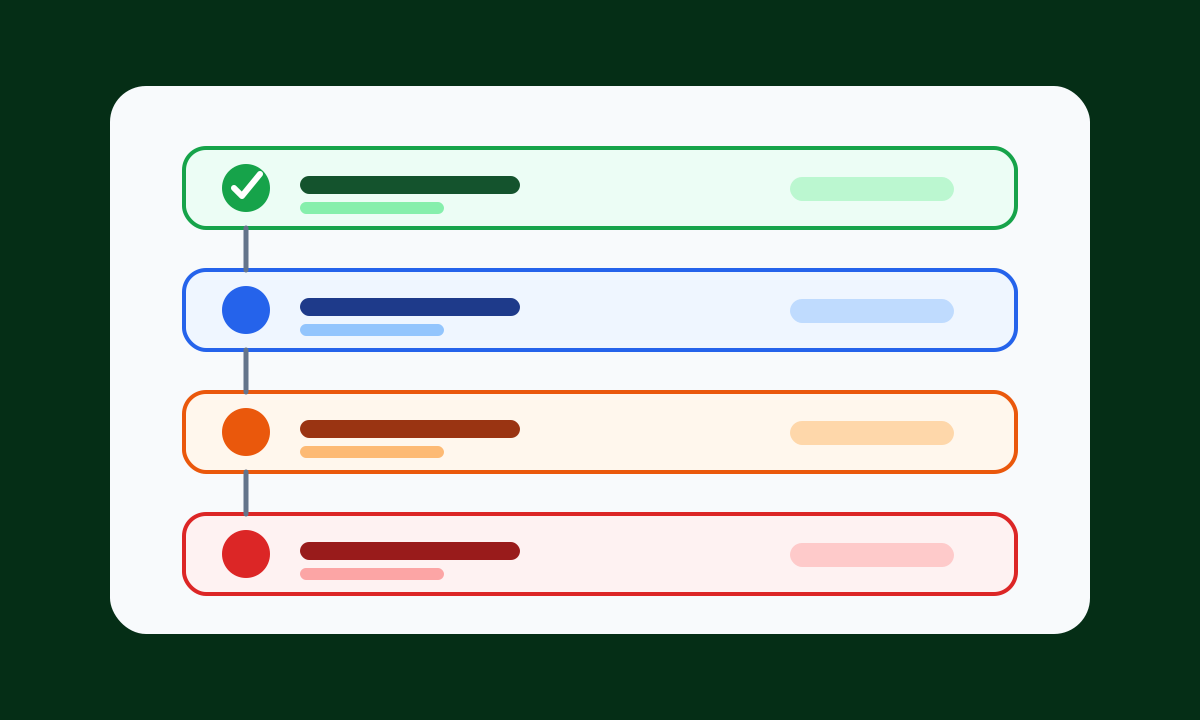
A useful history should show:
- which steps completed
- which branch was chosen
- where the workflow waited for a person or event
- which step failed
- what output or record was produced
- what can be retried or reviewed
This makes it easier to explain the outcome to a teammate and easier to improve the workflow after a problem.
Make failures actionable
A failure message should point to the step that needs attention, preserve useful context, and help the user decide what to do next.
That might mean retrying after fixing a credential, updating an input, reviewing an AI-assisted output, or routing a request to a person. The goal is not to expose raw infrastructure details. The goal is to make operational recovery possible.
Use history to improve the process
Run history is more than a debugging log. It is how a team learns whether automation is supporting the process it was built for.
When history is clear, teams can see repeated failures, slow handoffs, missing input, and branches that need refinement. That turns automation from a black box into a process the team can operate with confidence.